
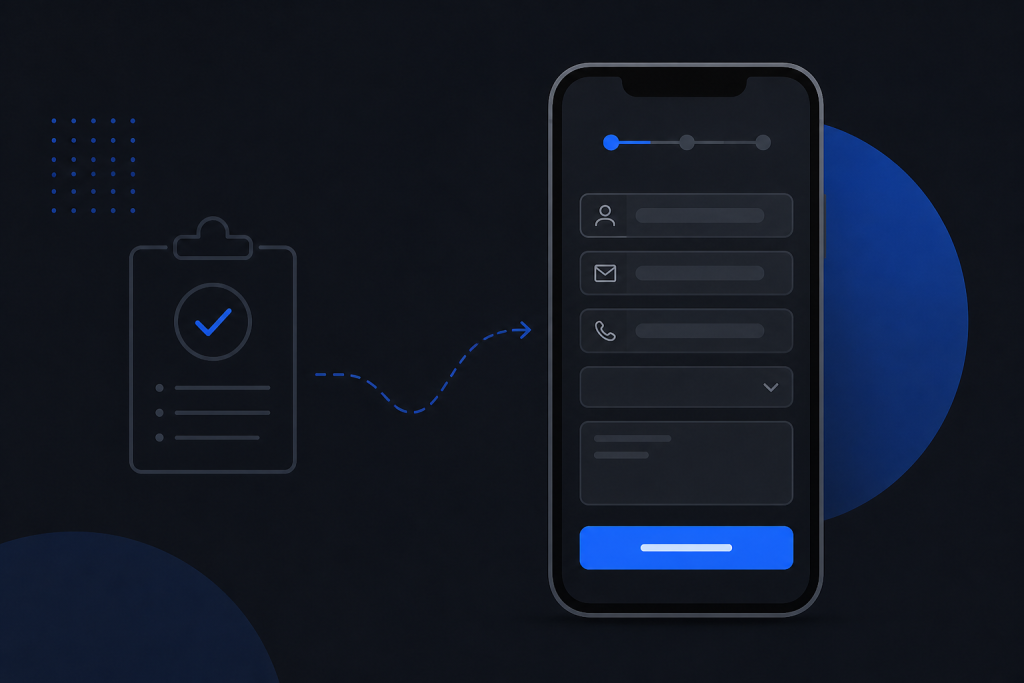
Service businesses live on calls and estimate requests. Yet many sites hide the phone number, ask twelve form fields, and wonder why leads stall. This guide focuses on a contact page that converts and an estimate form website for service business owners — paths homeowners and local buyers actually finish.
It pairs with conversion rate tips for service businesses and service business website design for leads. For HVAC-specific layouts, see HVAC website design.
What the contact path must do
In under three seconds on a phone, a visitor should know:
- How to call you (tap-to-call)
- How to request an estimate (short form)
- Whether you serve their area
- When you typically reply
Everything else is secondary. Fancy copy does not rescue a form that feels like homework.
Contact page blueprint
Build the page like a dispatch desk, not a corporate “get in touch” brochure:
- Headline: “Request an estimate” or “Call for service” — not “Get in touch with our team”
- Primary CTA: click-to-call + short form above the fold on mobile
- Hours and service area: honest coverage, not a map of the entire state you wish you covered
- Proof: one review line, license note, or years-in-business — near the form, not buried
- Map or city list: optional support; never a substitute for CTAs
- Privacy note: one plain sentence about how you use the number or email
If the phone number only appears in the footer, you are training people to scroll past the ask.
How many form fields?
Fewer required fields almost always beat a “complete dossier” on the first step.
| Field | Usually keep | Often cut |
|---|---|---|
| Name | Yes | — |
| Phone or email (one required) | Yes | Requiring both on first step |
| Service needed | Yes (simple select) | Essay-length dropdown trees |
| Address / ZIP | Yes for dispatch trades | Full street on first screen if ZIP is enough |
| Preferred time | Optional | Mandatory calendar with no availability |
| Budget | Rarely on first step | Scare-away ranges for emergency jobs |
| How did you hear about us? | Later | Blocking submit |
| File upload | Optional for insurance jobs | Required for every lead |
If you need more detail, use a two-step form — essentials first, details second. The first submit should feel finished even if step two asks for photos or gate codes.
Quote request form best practices
- Label every field in plain language (“Cell phone” beats “Contact method”)
- Use the right mobile keyboard (`tel`, `email`)
- Show errors next to the field; do not wipe the form
- Confirm success with a human message (“We’ll call within one business day”) and a second phone CTA
- Route by service type if your team is split (install vs repair)
- Send yourself a clean notification; do not rely on checking a plugin dashboard once a week
Spam control should be quiet: honeypot or background checks. Puzzles and “select all traffic lights” block real customers on job sites with bad signal.
Mobile specifics that kill completions
Most estimate traffic is on a phone. Watch for:
- Tiny tap targets next to sticky chat widgets
- Forms below endless paragraphs
- Sticky bars covering the submit button
- Keyboard-unfriendly field types
- Errors that clear the whole form
- Autocomplete broken by weird `name` attributes
- Chat that opens empty because nobody is staffing it
Test the contact page yourself on a real phone with one thumb. If you hesitate, your customers will too. Pair this with a mobile website checklist for service businesses.
Trust lines that help (without gimmicks)
Place near the form:
- Response time (“We reply within one business day” — only if true)
- Service area in one line
- License / insurance note when it matters for your trade
- Short privacy note
Skip fake countdown timers, stock “13 people viewing this page,” and review widgets that load slowly enough to push the form down.
Where forms should appear
| Page | Form style |
|---|---|
| Contact page | Full estimate path + phone |
| Service pages | Short form or sticky call |
| Homepage | Short form or prominent call |
| City / area pages | Short form when you use them — see service area pages |
Every money page needs a clear contact path. That path can be a short form, a phone lead, or both. It does not need a twelve-field questionnaire on every URL.
After submit: the part owners forget
A completed form is not a booked job until someone responds.
- Set notifications to a phone that gets answered during business hours
- Have a same-day or next-business-day reply script
- Track which pages send quality leads (service page vs generic contact)
- Follow up once if the first call misses — without spammy sequences
If leads sit overnight in an unread email folder, fix operations before you redesign the button color.
A simple test before you launch changes
Before you call the new contact page “done,” run this 10-minute test:
- Open the page on your phone on cellular data
- Tap the phone number — does it dial?
- Submit the form with a real test lead
- Confirm the notification arrives where your dispatcher looks
- Check the thank-you message still offers a call option
- Ask one teammate who did not build the page to try the same path
If any step fails, fix that before buying more ads to the URL.
FAQ
Should every page have a form?
Every money page should have a clear contact path. The form can be short; the phone can lead.
Are chat widgets worth it?
Fine if someone answers. Unstaffed chat that opens empty is friction. A visible phone number often beats a bot for emergency trades.
What about spam?
Use a honeypot or quiet anti-spam — not a puzzle that blocks real customers. If spam is severe, add light verification after the first fields, not before.
Should I require both phone and email?
Usually no on the first step. Require the channel you will actually use to book the job. Offer the other as optional.
Can a longer form qualify better leads?
Sometimes — after the first successful contact. Qualification fields work better on step two or on a follow-up call than as a wall before submit.
Does WebSolNet redesign contact pages only?
Yes when that is the bottleneck. Often it sits inside broader web design work. Send your current contact URL and where leads drop off via contact.
Need help improving your service business website?
See web design & development or request a quote — include your current contact URL and where leads drop off. Owner-operated remote US studio; call (850) 610-7214. Soft CTA: fix the path to the estimate, then scale traffic.


