
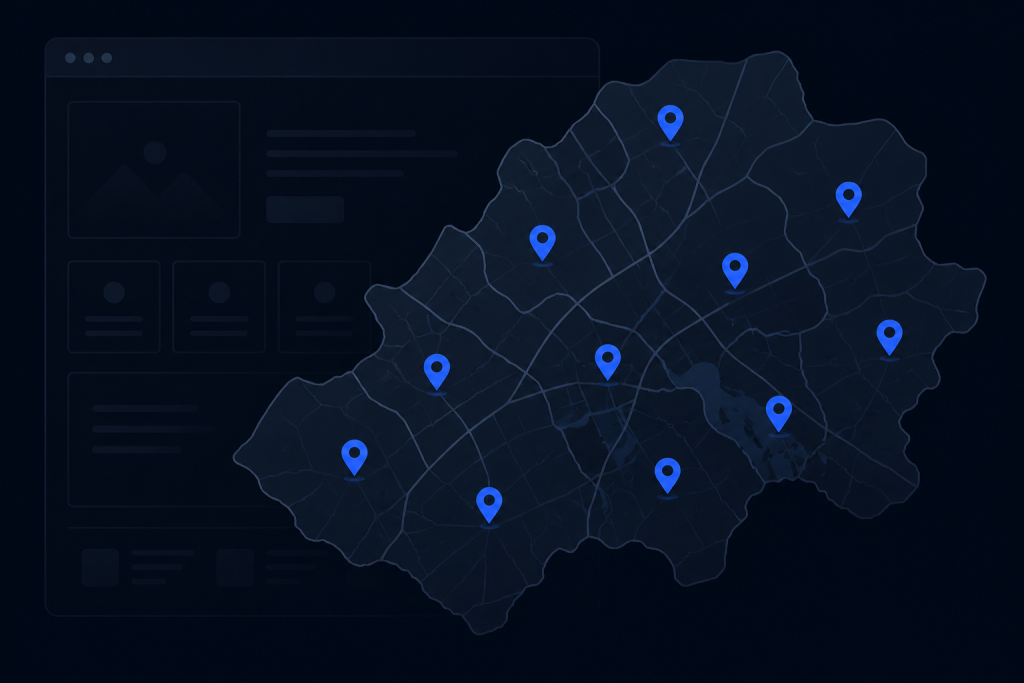
If you serve more than one city, you have probably been told to “make a page for every town.” That advice is half right. Done well, service area pages for local SEO help homeowners find you for searches like “AC repair near Frisco” or “roofing in Plano.” Done poorly, they look like copy-paste spam — and search engines are better than ever at spotting that.
This guide is for US service businesses (HVAC, roofing, plumbing, electrical, auto repair, and similar trades) that want local visibility without flooding the site with empty city pages. It complements our local SEO checklist and pairs with a solid Google Business Profile + website setup. For hands-on help, see SEO services.
What a service area page is (and is not)
A service area page is a dedicated URL that targets a real place you serve — usually a city, suburb, or county — and explains how you help people there.
It is not:
- A paragraph that only swaps the city name
- A doorway page with no phone, proof, or next step
- A replacement for your main service pages
Think of your site like a toolkit: service pages explain *what* you do; service area pages explain *where* you do it and why local customers should trust you. Both should send visitors to call or request an estimate.
When city pages for contractors help
Build them when:
- You genuinely take jobs in that place on a regular basis
- You can write something specific (landmarks, neighborhoods, common housing stock, response patterns)
- Your Google Business Profile and NAP already match your real coverage story
- You have capacity — ranking for work you cannot staff helps nobody
Skip or delay pages for towns you “might” serve someday. Thin content city pages created only for keywords create cleanup work later.
Service area page best practices
1. Start with a short, honest list
Ten strong pages beat eighty empty ones. Prioritize cities with real job history, drive-time fit, and demand. Expand only when those pages earn their keep.
2. Unique copy with local substance
Include details only a local operator would know:
- Neighborhoods or areas you actually work
- Housing or building patterns that affect the job (slab foundations, two-story homes, older panels)
- Typical job types you see there
- Travel / scheduling expectations without overpromising
Avoid fake “we love the community spirit of [City]” fluff. Specific beats sentimental.
3. Tie areas to services (carefully)
Options that work:
- Area page that links to your main HVAC, plumbing, or electrical service pages
- Combined pages only when you truly need them (“Water heater repair in Arlington”) and can support unique content
Do not auto-generate every service × city combination on day one. That is how sites become thin.
4. Proof and conversion on every page
Each area page should include:
- Click-to-call and form
- Service list relevant to that area
- At least one proof element (review snippet, job photo, license/insurance mention)
- Consistent NAP where appropriate
If the page cannot convert a visitor who already wants help, it is not done.
5. Match Google Business Profile reality
If GBP shows a service-area business without a storefront, your website should not invent a fake street HQ. If you have a real office, keep address consistency across site, GBP, and directories. Mismatches confuse customers and local rankings.
6. Internal links that look human
From homepage and service pages, link to key area pages with natural anchors (“serving Plano and nearby communities”). From area pages, link back to services and contact. Avoid footer spam listing 100 cities in tiny type.
Template outline you can reuse
- H1 — Primary service focus + city (or “home services in [City]” if multi-trade)
- Opening — Who you help and how fast someone can reach you
- Services in this area — Bullets with links to service pages
- Local notes — Unique section (housing, common calls, neighborhoods)
- Proof — Reviews, photos, credentials
- FAQ — Two or three local questions
- CTA — Call / estimate form
For industry context on conversion-minded layouts, see HVAC website design and other home-service patterns — adapt, do not clone irrelevant niches.
Thin content city pages: how to spot and fix them
Symptoms: Identical word counts, swapped city names, no photos, no reviews, no unique FAQs, orphan URLs with no internal links.
Fixes:
- Merge weak towns into a regional page you truly cover
- Redirect retired URLs to the best remaining page
- Rewrite keepers with real local detail
- Improve service pages first if those are also thin — area pages cannot carry a weak offer
Quality over quantity is not a slogan here; it is the entire strategy.
Remote studios and multi-state brands: be honest
If you are a remote marketing studio or a brand that markets nationally, do not publish fake local contractor pages for cities you do not serve. Local SEO pages must reflect operational reality. WebSolNet, for example, is an owner-operated remote US studio — we help businesses improve their sites and SEO; we do not pretend to be the electrician in every ZIP code.
Your service-area strategy should pass the same honesty test.
Measuring whether area pages work
Watch Search Console queries and landing pages, call tracking or form source fields, and whether those URLs attract engaged visits. Rankings without leads still mean the page needs a clearer offer or trust.
Give new pages time, but do not wait a year to notice they are clones of each other.
Soft next step
If you want help prioritizing cities and tightening copy without doorway spam, explore SEO services or contact WebSolNet. Call (850) 610-7214 for a practical review of your current area-page set.
FAQ
How many service area pages should I create?
As many as you can make uniquely useful — often a handful to a few dozen for a typical contractor, not hundreds on day one.
Should every city have its own URL?
Only if you have unique content and real service coverage. Otherwise use a single service-area overview plus stronger service pages.
Do service area pages replace Google Business Profile?
No. GBP and the website work together. Pages do not fix an incomplete or inaccurate profile.
Can I use AI to write city pages?
You can draft, but you must add real local facts, proof, and editing. Raw AI city swaps are a fast path to thin content.
What about counties vs cities?
Use the geography customers search and you actually cover. Some markets need county pages; many need city pages. Let demand and honesty decide.
Should area pages target “near me”?
“Near me” is largely personalization in search. Write for real place names and clear services; optimize the experience for mobile callers.

